
Less typing. More listening.
Whether you work in a clinic or a school, the SuperPenguin dashboard drafts your notes and reports for you to review. Send activities to the app so families can keep practising at home between appointments and share the support with their wider family.
SuperPenguin in two minutes
From conversation to clinical notes
1. Record or upload
Capture the session and choose who is taking part.
2. Review the draft
Edit your clinical notes and report.
3. Sign it off
Check the detail, make your changes and approve the finished record.
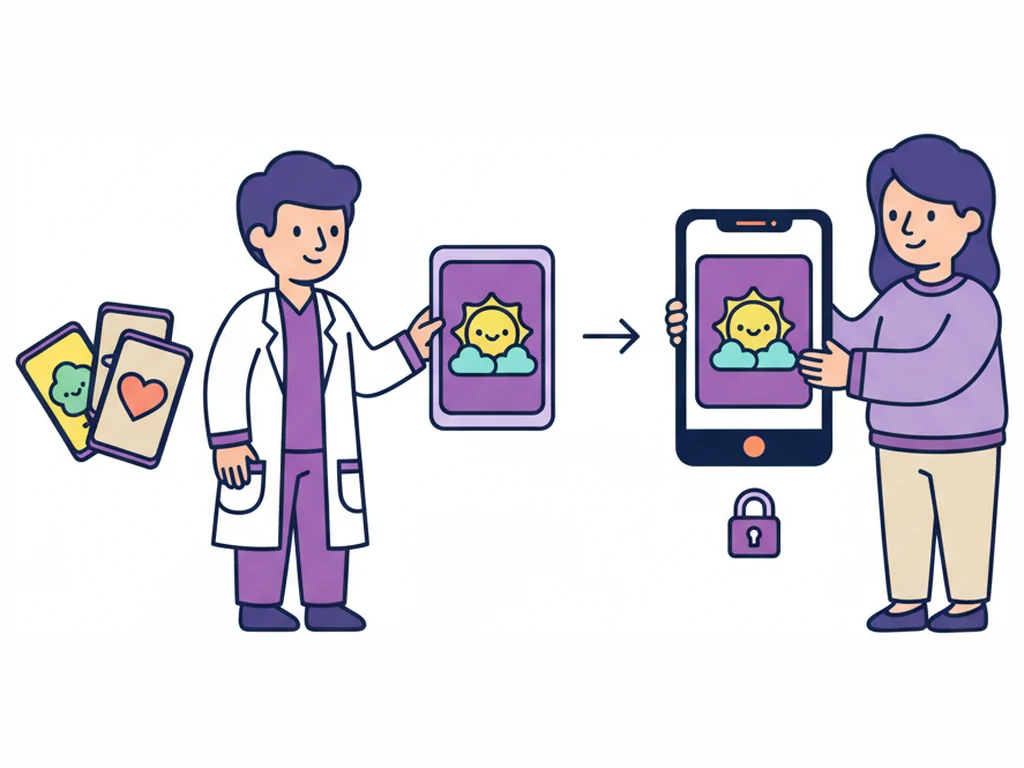
4. Share content with the family
Choose content that fits the session and send it privately through the app in one click, ready for the family to practise at home.
Record the session and find the detail
Start from a client record, include the people taking part and return to a transcript alongside the recording. Add labels to the audio to mark moments you want to revisit.
In this clip, the clinician adds a Speech sound label to the recording waveform.
Bring your information into one report
Choose the documents that matter and bring them into a draft report alongside relevant information from the client record, including custom properties.
In this clip, the clinician ticks three documents in a client's timeline as the sources for a report.
Start recording wherever you are
Begin a session from the dashboard without first opening a client record. Add the people present so the recording is associated with the right records.
In this clip, the clinician starts a recording from the dashboard and adds the child and their mother as participants.
Make reports follow your format
Use a PDF as the starting point for a report template. Add instructions to explain the structure and wording you need, then choose that template when generating a report.
In this clip, the clinician chooses a custom report template and generates the report.
Turn a paper assessment into a draft report
A scanned assessment can be the starting point for a report. Select the scan from the client's record, generate a draft and review what it says against the source.
In this clip, the clinician generates a report from the scanned assessment alone.
Keep team conversations in view
Record internal meetings with team members, even when no client is taking part. Keep those recordings in the team member's own documents timeline.
In this clip, the clinician expands a saved recording in a team member's timeline.
Send the right content home in one click
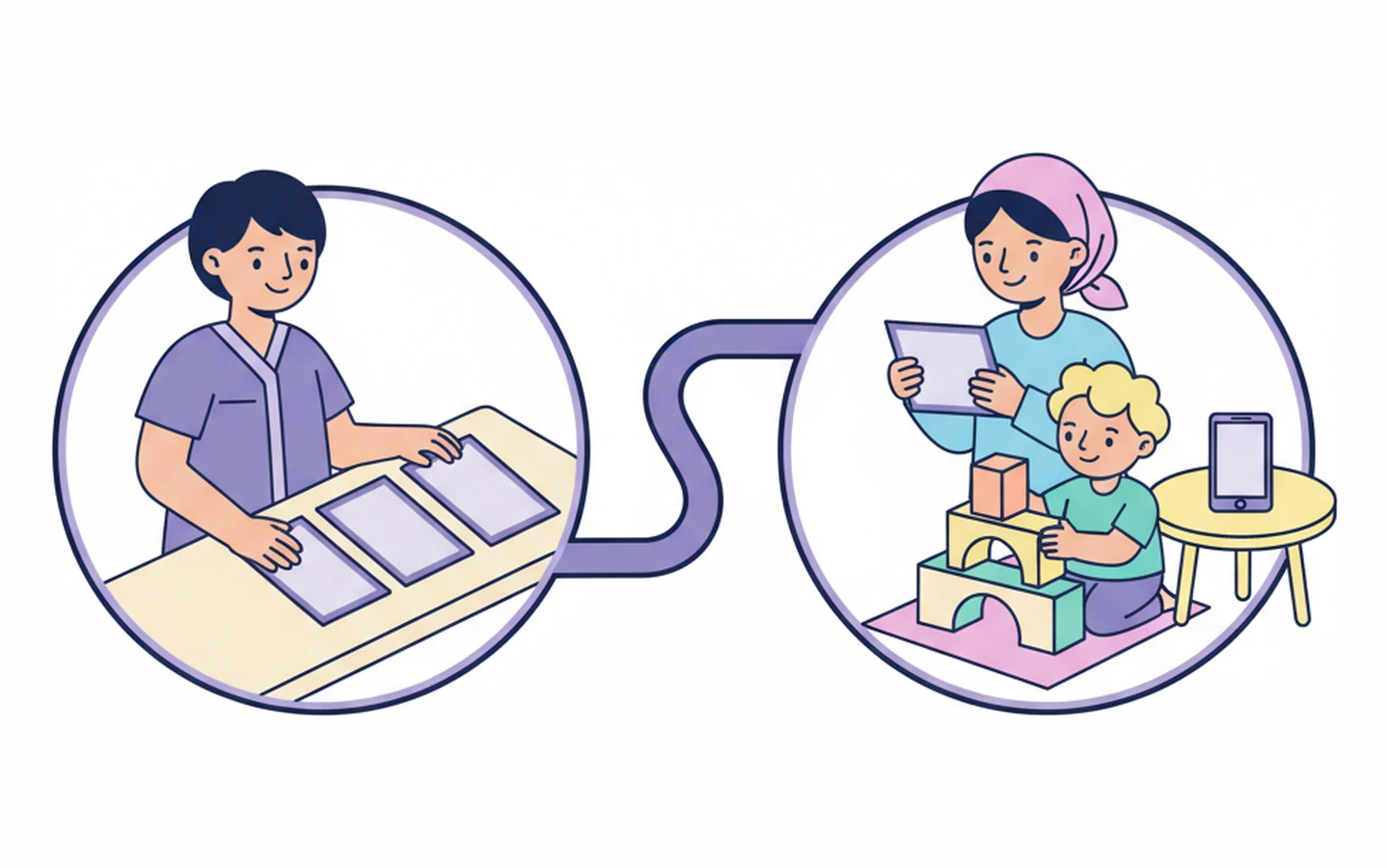
Choose the guidance and activities that fit your session, then send them privately to the family through the SuperPenguin app in one click. Families can revisit what you covered and practise the activities at home between appointments.
“We used SuperPenguin AI for 3 full EHCP review assessments today and with a couple of minor tweaks, we saved around 40 minutes of admin per assessment. This made a huge difference to my day!”
Speech and Language Therapist, The Yorkshire Speechie
Safety, privacy and quality
Understand the standards and frameworks used to assess digital health technology, from clinical risk and information security to quality management and responsible AI.
SuperPenguin supports and educates. It does not diagnose, screen for, or monitor any condition, and it does not make autonomous clinical decisions.

UKCA Class I
UKCA is a conformity marking for medical devices on the Great Britain market. It indicates applicable legal requirements have been met, with the assessment route depending on device type and classification.
Official guidance ↗
NHS DTAC
The NHS Digital Technology Assessment Criteria help health and care organisations assess digital tools. They cover clinical safety, data protection, technical security, interoperability, usability and accessibility.
Official guidance ↗
NHS DSPT
The Data Security and Protection Toolkit is an annual online self-assessment for organisations using NHS patient data and systems. It records evidence of how they protect data and handle personal information.
Official guidance ↗
Cyber Essentials
Cyber Essentials is a UK government-backed scheme to protect against common online threats. It covers five technical controls: firewalls, secure configuration, security updates, access control and malware protection.
Official guidance ↗
DCB0129
DCB0129 sets clinical risk management requirements for organisations developing health IT systems. A Clinical Safety Officer oversees identifying hazards, assessing risks and applying controls during development.
Official guidance ↗
GDPR
UK GDPR and EU GDPR govern how personal information is handled, covering lawful processing, transparency, people’s rights and safeguards. They are separate laws, and both give health information extra protection.
Official guidance ↗
HIPAA
HIPAA governs privacy and security of protected health information in specified US healthcare relationships. It applies to covered entities and business associates, depending on their role and the information they handle.
Official guidance ↗
COPPA
COPPA is a US law covering online services directed at children under 13 or knowingly collecting their personal information. It requires privacy notices, verifiable parental consent and safeguards for children’s data.
Official guidance ↗
ISO 13485
ISO 13485 is the quality management standard for medical device organisations. It covers design, development, production and related services, so products consistently meet customer and regulatory requirements.
Official guidance ↗
ISO 27001
ISO/IEC 27001 sets requirements for an information security management system. It brings together people, policies and technology to manage information risks and keep data confidential, accurate and available.
Official guidance ↗
ISO 42001
ISO/IEC 42001 sets out how to manage AI development and use responsibly, covering governance, roles, risk assessment and continual improvement. Voluntary alignment with it is not the same as independent certification.
Official guidance ↗

 Developed with NHS clinicians and services.
Try the scribe built for clinics and schools supporting speech, language and communication needs.
Start with your own caseload, or see how it could fit your whole team.